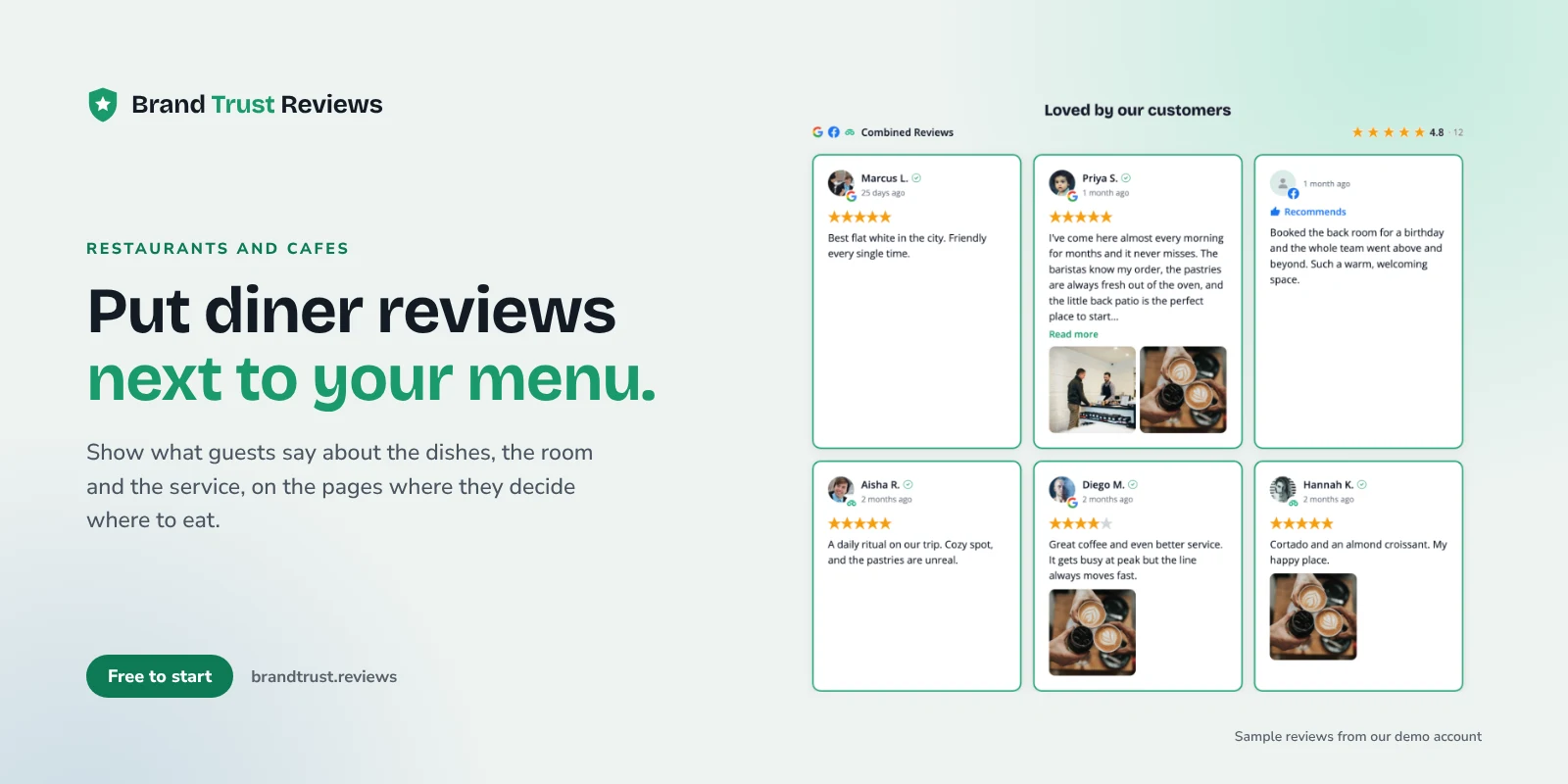
Putting restaurant reviews on your website is one of the simplest ways to help a hungry visitor make up their mind. Most people pick a place to eat after a quick look at what other diners said, and if your site shows those reviews next to the menu and the reservation button, they don't have to leave to go find them. The same goes for cafe reviews, bakery reviews and the kind words people leave about your bar or food truck.
This guide is for independent restaurants, cafes, bakeries, bars and food trucks, plus the agencies that build their sites.
Where diners check reviews before they choose
Before you decide what to show, it helps to know where your reviews already live.
- Google. For most local diners, your Google Business Profile is the first place they see your rating, usually right in search or Maps. This is often your largest pile of reviews.
- Facebook recommendations. Facebook Pages use yes or no recommendations instead of star ratings. Regulars and locals who follow your page often leave them, and they tend to be warm and specific.
- TripAdvisor. If you're in a tourist area, near a hotel district or on a popular waterfront, visitors from out of town often check TripAdvisor before picking somewhere to eat.
Your website is the one place where you can bring them together.
Which reviews to feature
You don't need to show every review. You want the ones that answer the questions a diner actually has. Look for reviews that mention:
- Specific dishes and drinks. "The brisket tacos are the reason I keep coming back" tells a visitor what to order. Generic praise doesn't.
- Atmosphere. Cozy, lively, quiet enough to talk, great patio, nice for a date night.
- Service. Friendly staff, quick counter service, a server who remembered someone's allergy.
- Who it's good for. Groups, birthdays, kids, dogs on the patio, or (for cafes) a good spot to work remotely with outlets and decent Wi-Fi.
You can filter and order reviews and feature the ones you want near the top. Featuring changes what shows first, not the numbers. Your headline rating and total count always reflect all of your reviews, not only the featured ones.
Where to show reviews on a restaurant or cafe site
Placement matters more than volume. A few well chosen reviews on the pages people visit do more than a long testimonials page. For a deeper look, see how to show the right reviews on the right pages.
Homepage
A short strip of reviews near the top sets the tone fast. A carousel works well here because it stays compact and scrolls horizontally.
Menu page, next to the dishes people praise
This is the placement most restaurant sites miss. If people rave about your breakfast burrito or your sourdough, put a review that mentions it right next to that section of the menu. It reads like a friend pointing at the menu and saying "get this one."
Private events and catering page
Event planners and office managers want proof you can handle a crowd. Reviews that mention a rehearsal dinner, a birthday party, a work lunch or a catered event belong here.
Reservations page
Someone on your reservations page is nearly decided. A few reviews about atmosphere and service can be the nudge that gets them to pick a time.
Location and hours page
People checking your hours or directions are close to walking in. Google reviews fit naturally here, next to your map. Our guide on how to add Google reviews to your website walks through the setup, and the Google reviews widget page has the details.
A badge in the header
A small badge with your overall rating can sit in the header on every page. Clicking it opens your reviews, so it stays out of the way until someone wants to read more.
Using TripAdvisor reviews
If tourists are a big part of your business, TripAdvisor reviews are worth showing. A few things to know so your expectations are accurate:
- TripAdvisor is in limited access in BrandTrust, so it's not open to every account yet. The TripAdvisor reviews widget page has the current status.
- TripAdvisor's API only makes a location's most recent reviews available, so a TripAdvisor source in BrandTrust brings in the 3 most recent reviews, not your full history.
- Your overall TripAdvisor rating and review count still reflect your full TripAdvisor profile, so the headline numbers aren't limited to those 3 reviews.
In practice, TripAdvisor works well as one ingredient in a combined widget.
Combining Google, Facebook and TripAdvisor in one widget
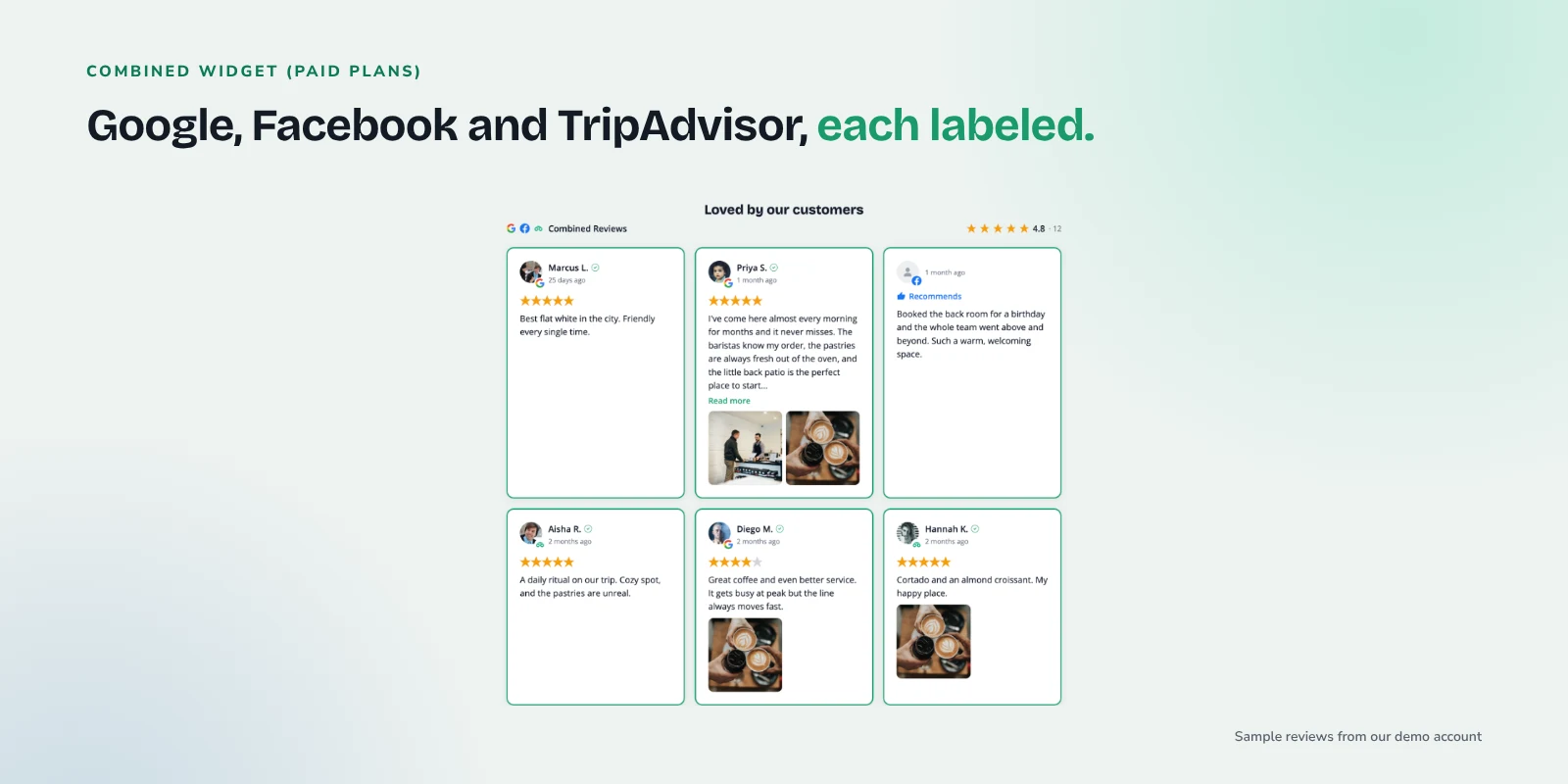
On paid plans, BrandTrust can combine review sources in one widget, so your Google reviews, Facebook recommendations and TripAdvisor reviews show together. Each review is labeled by its source, so a visitor can see where it came from.
Each source covers a different crowd (locals on Google, regulars on Facebook, visitors on TripAdvisor), so together they tell a fuller story. The Facebook reviews widget page covers how recommendations display.
See current plans on the compare page for which features come with each tier.
Use tags to route reviews to the right page
Tags let you group reviews by theme. Basic tags are available on paid plans. On the Growth plan, Smart Tags auto-tag reviews by keyword, so new reviews flow into the right group as they come in. A few examples:
- Menu items: "burrito," "croissant," "cold brew," "pizza," "oysters." Build a small widget for each menu section that shows only reviews with that tag.
- Events: "party," "rehearsal," "catering," "private room," "birthday." Point the widget on your events page at that tag.
- Who it's for: "kids," "family," "laptop," "work," "group." Use these on an FAQ or visit page.
Set this up once and those pages keep getting fresh reviews on their own.
Review photos of food help
Diners eat with their eyes first. Reviews often come with photos of a plate, a latte with good foam art or a packed bakery case, and those photos can be more convincing than polished shots because they show what actually arrives at the table.
BrandTrust shows review photos on every plan, including free. Reviewer photos are served through BrandTrust's image proxy, so a visitor's IP address isn't passed to the source platform when the page loads.
Layout ideas for restaurants and cafes
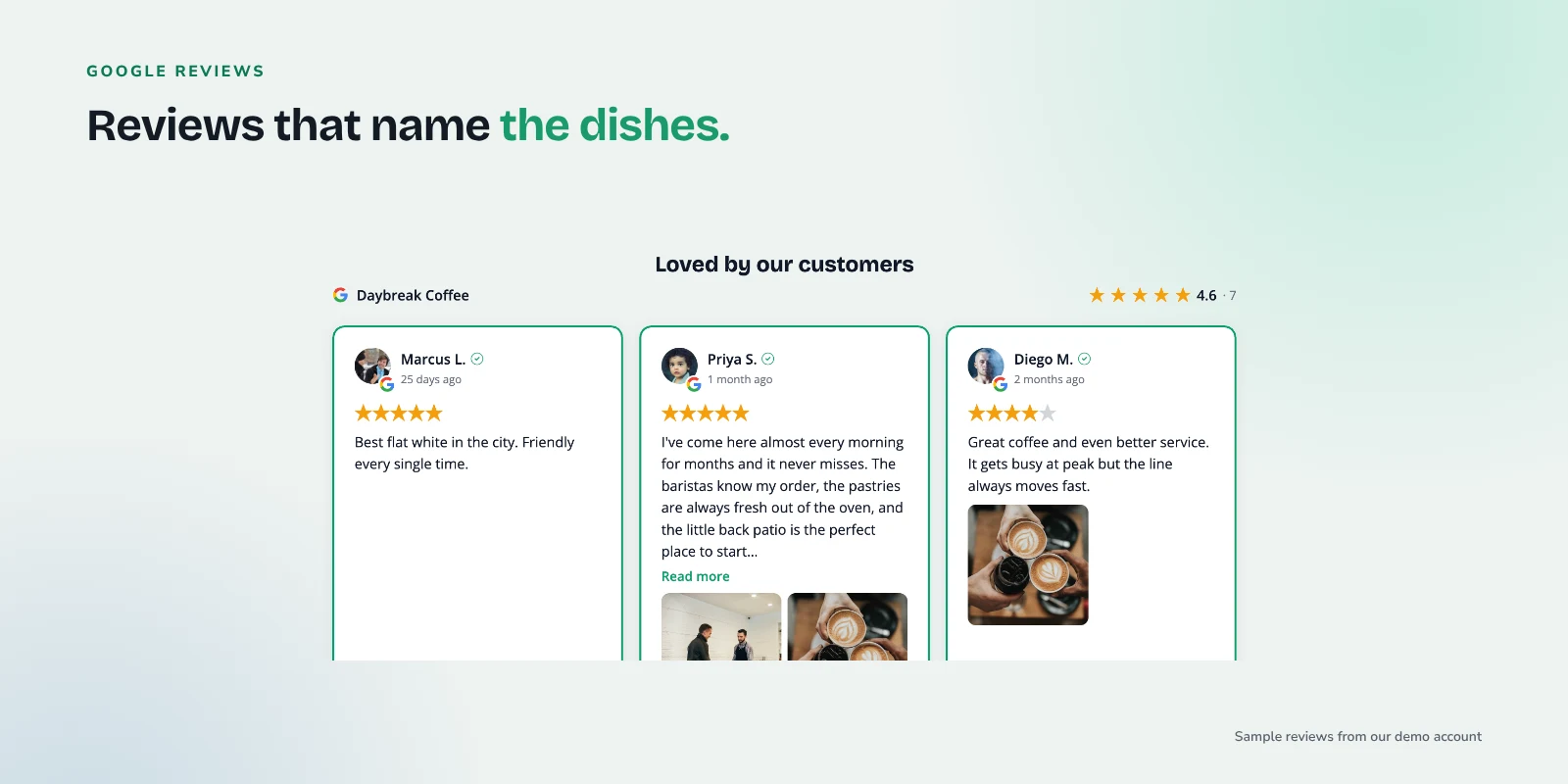
Every layout is available on the free plan, so you can try a few and see what fits your design. The builder offers grid, list, carousel, masonry and badge.
- Masonry for photo-heavy reviews. Cards of different heights stack neatly, so a tall food photo sits next to a short text review without gaps.
- Carousel for a homepage strip that stays compact.
- Badge in the header, opening your reviews when clicked.
- Grid or list for a reservations, events or location page where you want a handful of reviews laid out plainly.
Embedding is one snippet (a div plus a script tag), and it works on WordPress, Shopify, Wix, Squarespace, Webflow, Framer and plain HTML. If your site runs on WordPress, there's also a native plugin that renders reviews on your own server.
Keep it current with sync
A cafe site showing reviews from three years ago makes people wonder whether the place has changed hands.
BrandTrust imports your existing reviews and keeps them synced automatically. On the free plan, auto-sync runs daily, so new reviews show up in your widget without anyone copying and pasting.
Fresh reviews also mean the occasional rough one. If a bad night shows up, our guide on how to respond to negative reviews has calm, practical wording.
Asking diners for reviews
Showing reviews only works if you keep getting new ones. Good moments to ask include when a table is clearly happy at the end of a meal, a small card with the check, a QR code by the register or a short note after a catering order. Our post on how to ask customers for reviews, with templates has wording you can copy.
Keep it simple and don't offer anything in return: Google's Maps user content policy doesn't allow incentives like discounts or free items in exchange for reviews.
If you also run a retail side, like a bakery selling packaged goods or a coffee shop selling beans and mugs, our guide to reviews for local shops and boutiques covers that half of the business.
A quick checklist for restaurants and cafes
- Connect Google, and Facebook if you have recommendations there.
- Add TripAdvisor if tourists matter to you, knowing it brings in the 3 most recent reviews.
- Add a carousel of reviews to your homepage.
- Put dish-specific reviews next to those dishes on your menu page.
- Add event and catering reviews to your private events page.
- Put Google reviews on your location and hours page.
- Add a rating badge to your header.
- Show review photos, and try masonry if you have lots.
- Set up tags for menu items and events.
- Ask happy diners for reviews, without incentives.
Frequently asked questions
Can I show Google, Facebook and TripAdvisor reviews together?
Yes, on paid plans. A combined widget shows reviews from all three, and each review is labeled by its source. TripAdvisor is currently in limited access, and it brings in the 3 most recent reviews, while your overall TripAdvisor rating and count reflect your full profile.
Where should a restaurant put reviews first?
Start with your homepage and menu page. The homepage sets the tone, and reviews next to specific dishes help people decide what to order. Add your reservations and events pages next.
Will showing reviews get my restaurant star ratings in Google search?
No one can promise that. Google doesn't show review stars for a business's own reviews displayed on its own website, including reviews shown through a third-party widget. Reviews on your site are there to help diners decide.
Do I need a lot of reviews to make this worthwhile?
No. A handful of specific, recent reviews on the right pages does more than a long list. Start with what you have, and the widget will fill in as new reviews come in through sync.
Try it with your own reviews
If you'd like to see your own restaurant or cafe reviews on your site, you can start on the free plan. There's no credit card and no trial timer, so connect Google, try a layout or two, and keep it if it helps.